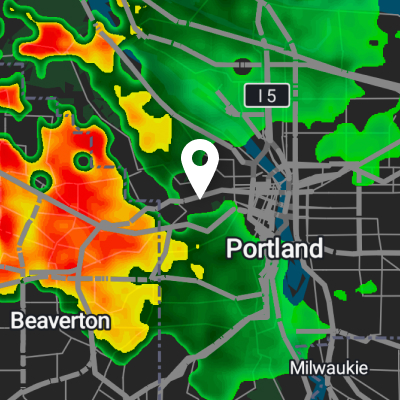
 Live view
 01
Radar map
See live precipitation with enough detail to spot gaps, edges, and movement across your exact area.
See related productsInteractive Tools
Use a cleaner workflow to check motion, freshness, and rainfall totals before you head out. Each tool is built to answer one question quickly.
Toolset
Each tool does one job well, so the page is easier to scan and the decision path is clearer on desktop and mobile.
Live view See live precipitation with enough detail to spot gaps, edges, and movement across your exact area.
See related products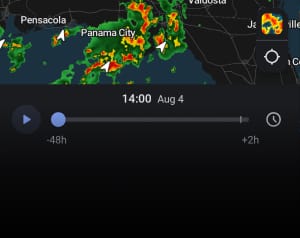 Measured data
 Check how much rain has actually fallen over recent time windows instead of relying on broad estimates.
See related products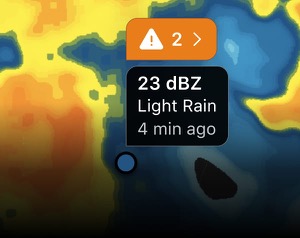 Pinpoint detail
 Inspect any location on the map to see freshness, nowcast, and layer-specific data instantly.
See related productsHow to use it
Check live precipitation movement and identify whether the weather window is closing.
See how much rain has already fallen to understand whether the storm is building or easing.
Get exact freshness and layer data for your chosen point before you make a move.
Need help choosing?
If you are not sure whether you need a rain head, diverter, screen, or gauge, this is the fastest place to narrow it down.